
Smart Routing Fragments
The modular building blocks of Smart Routing logic.
BR-DGE Smart Routing uses fragments to enable you to build bespoke routing rules.
If you are looking for a specific type of fragment that is not described here, get in touch with our support team to discuss your requirements.
Input fragments (The "when")
Input fragments define the criteria a transaction must meet for a rule to apply. You can use a single fragment or combine several together in a rule.
| Fragment type | Description |
|---|---|
| Monetary | Define ranges of transaction amounts and match on currency. |
| BIN metadata | Match on Issuer, Network, Country of issuing bank, or card currency. |
| Payment instrument | Select one or more payment methods, for example, Apple Pay, Google Pay, Card. |
| Merchant metadata | Route using custom key/value pairs specified in your payment request. |
| Payment rail | Route transactions based on the rails a payment is using. |
| BIN | Route transactions using specific BINs or BIN ranges. |
Monetary input fragments
A Monetary Fragment allows you to configure different amounts and currencies to be routed to your different Payment Providers. For each fragment, you can select one currency and choose ONE of the following trigger conditions:
| Trigger Condition | Description |
|---|---|
| All | Match on all values of the selected currency |
| Between | Provide a range to match within, inclusive of the From and To values |
| Greater than or equals | Match on anything including and above the value |
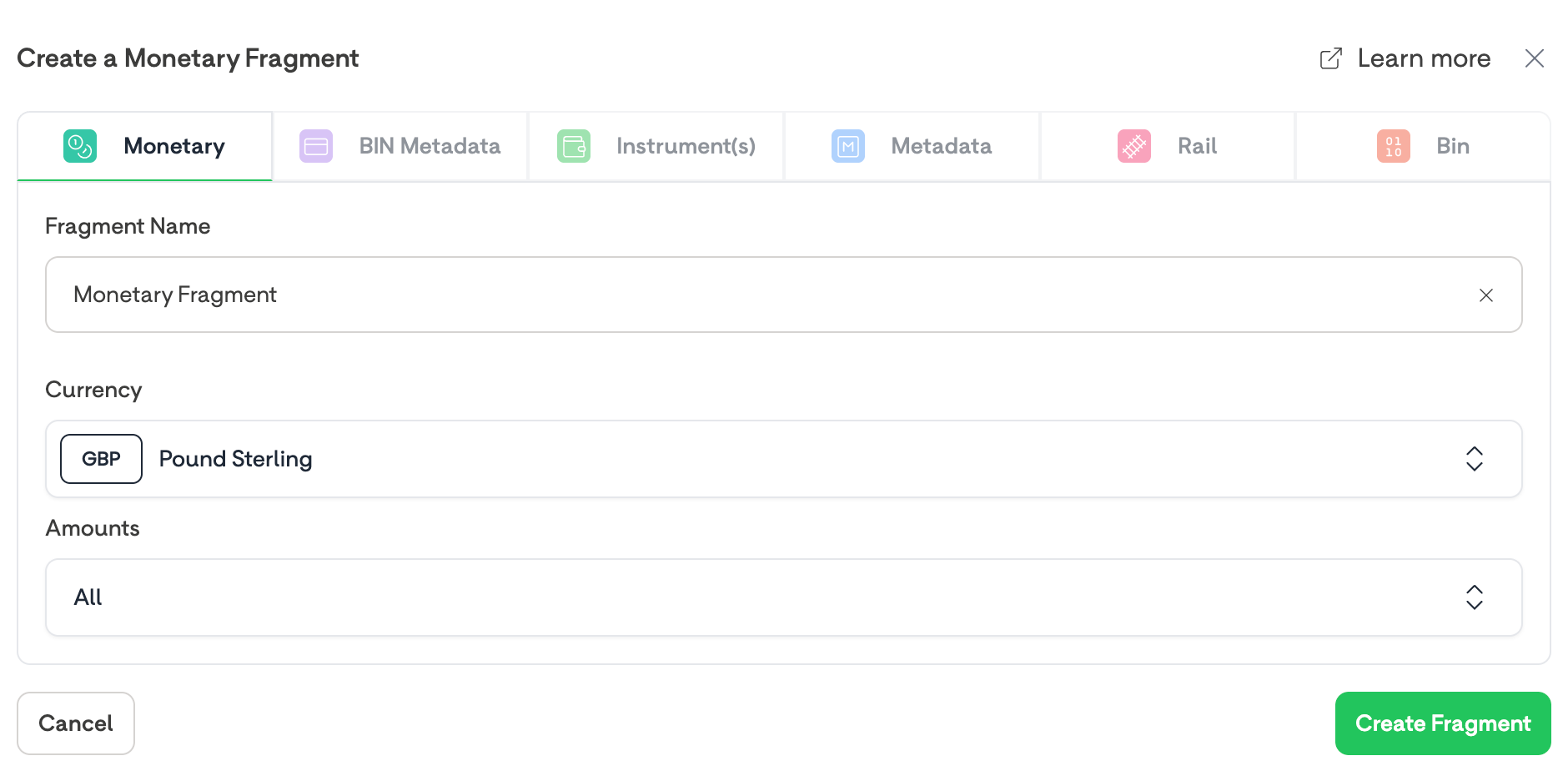
A Blank Monetary Input Fragment
Bin metadata fragments
You can configure and combine multiple trigger conditions in order to route payments to different payment processors.
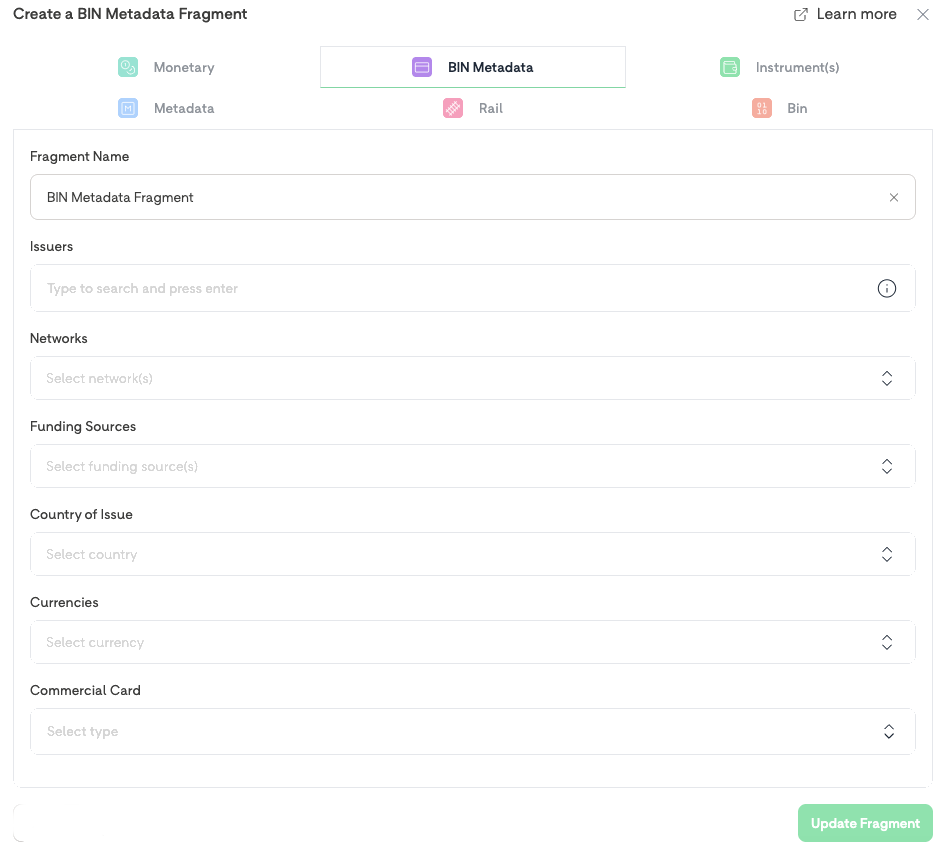
A BIN Metadata fragment is comprised of one, or a combination of, the following trigger conditions:
| Trigger Condition | Description | Example Values |
|---|---|---|
| Issuer | The Financial Institution who issued the card. Press Enter after entering a bank name. | Starling Bank; Monzo. |
| Network | The Network which the payment card belongs to | Visa; American Express |
| Funding source | The type of card | Credit; Debit |
| Country | The country which the card was issued in ISO 3166-1 alpha-2 format | GB; FR; US |
| Currency | The currency that the card was issued in | GBP; EUR; USD |
| Commercial Card | Denotes whether the card is a business card or not. | Yes; No |
BIN Metadata fragments can have multiple trigger conditions. All conditions must be met for the rule to be used in a transaction.
Payment instrument fragments
You can configure different Payment Instruments to route to different payment processors.
A Payment Instrument fragment can have one, or many payment instruments selected. This matches with any transaction that matches a single payment instrument.
The BR-DGE Portal only displays Payment Instrument Types that your selected retail channel is configured to support.
| Payment Instrument Type |
|---|
Card |
Apple Pay |
Google Pay |
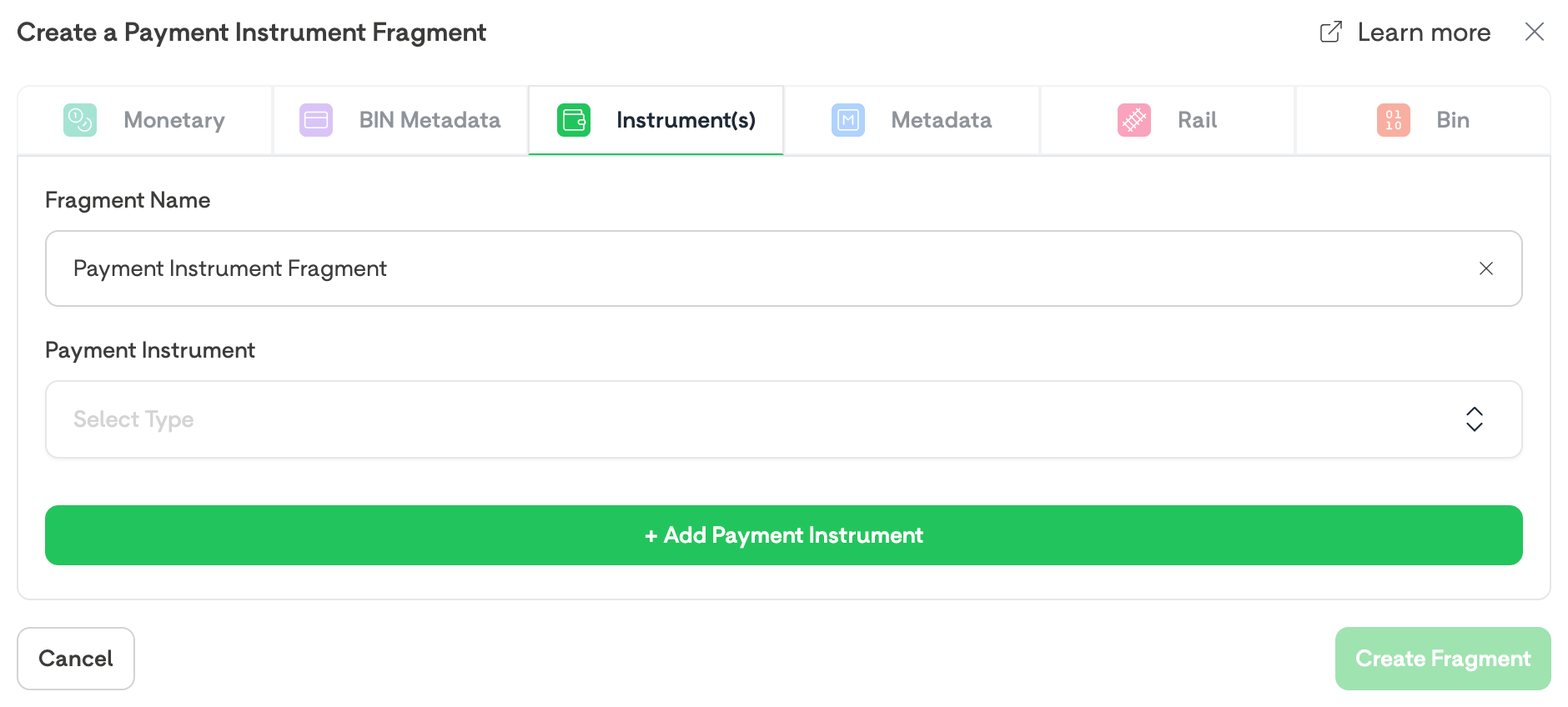
A Blank Payment Instrument Input Fragment
Merchant metadata fragments
The Merchant Metadata fragment allows you to create routing rules based on custom data sent with your transaction requests. This data is in the form of key-value pairs.
Within this fragment, you can:
- Specify Attribute Name and Value(s):
You define the name of the custom metadata attribute and one or more values to match on. If multiple values are provided, the rule is triggered if any of them match the values in the customMetadata object of your transaction request. - Combine Multiple Attributes:
You can specify different attributes within a single Merchant Metadata fragment. These attributes are evaluated using an "and" operator, meaning all specified conditions must be met for the rule to apply.
After entering each Value in a Key Value pair press ENTER to continue.
For more information on how to use Custom Metadata for transaction routing, check out our dedicated Custom Metadata guide.
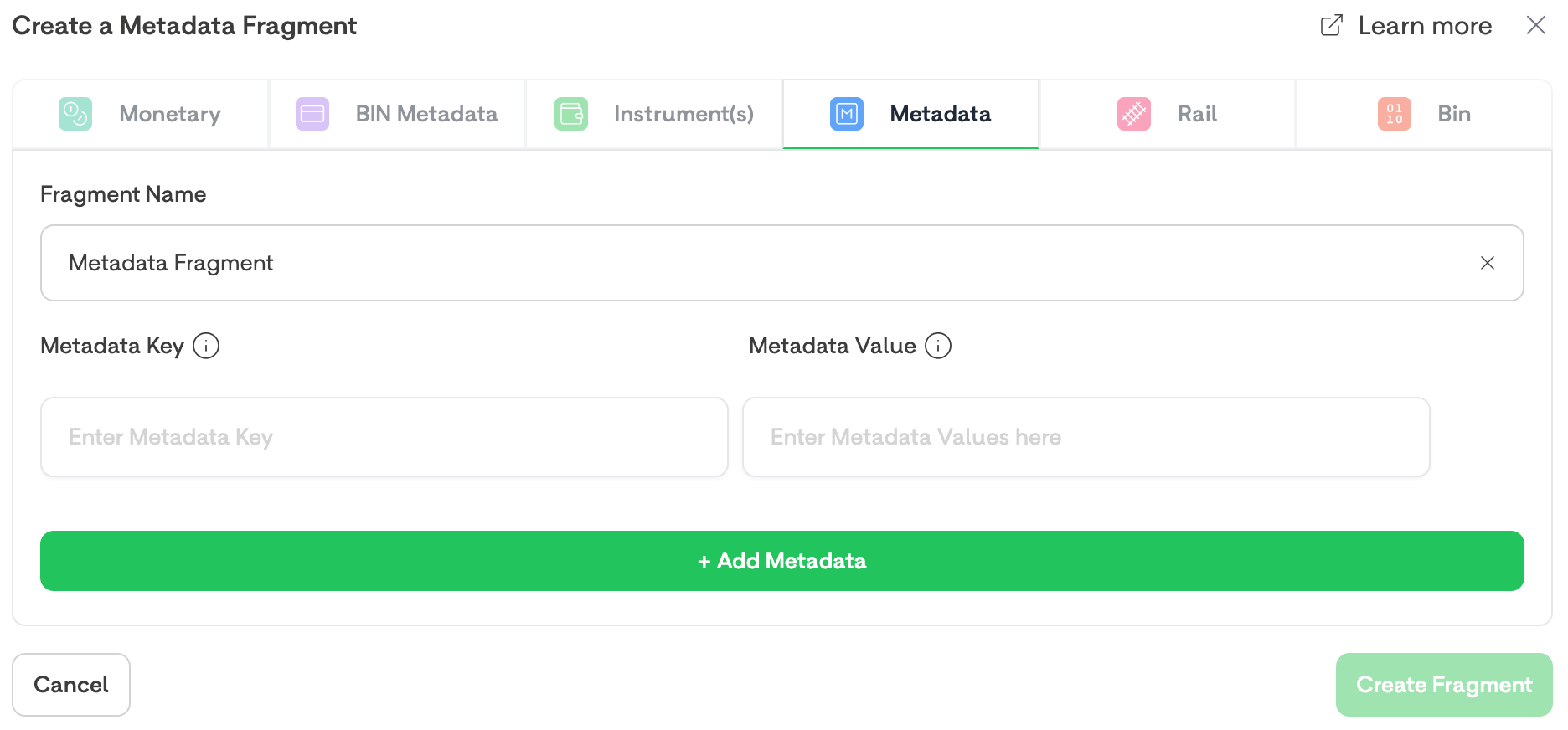
A Blank Custom Metadata Input Fragment
Payment rail fragments
The Payment Rail fragment is currently only available in conjunction with a Payment Instrument Fragment set to Apple Pay.You can use Payment Rail Routing to route transactions made with dual-network cards to different processors.
This input fragment can be useful in regions where your customers are likely to pay with a dual-network card. Such as EFTPOS in Australia.
You may wish to send all your Visa & Mastercard traffic to Payment Provider 1, and your EFTPOS traffic to Payment Provider 2. The Payment Rail Input Fragment provides you this flexibility.
Adding multiple Payment Rails into a single fragment uses an OR operator so that if any of the selected rails match the payment, the rule can continue.
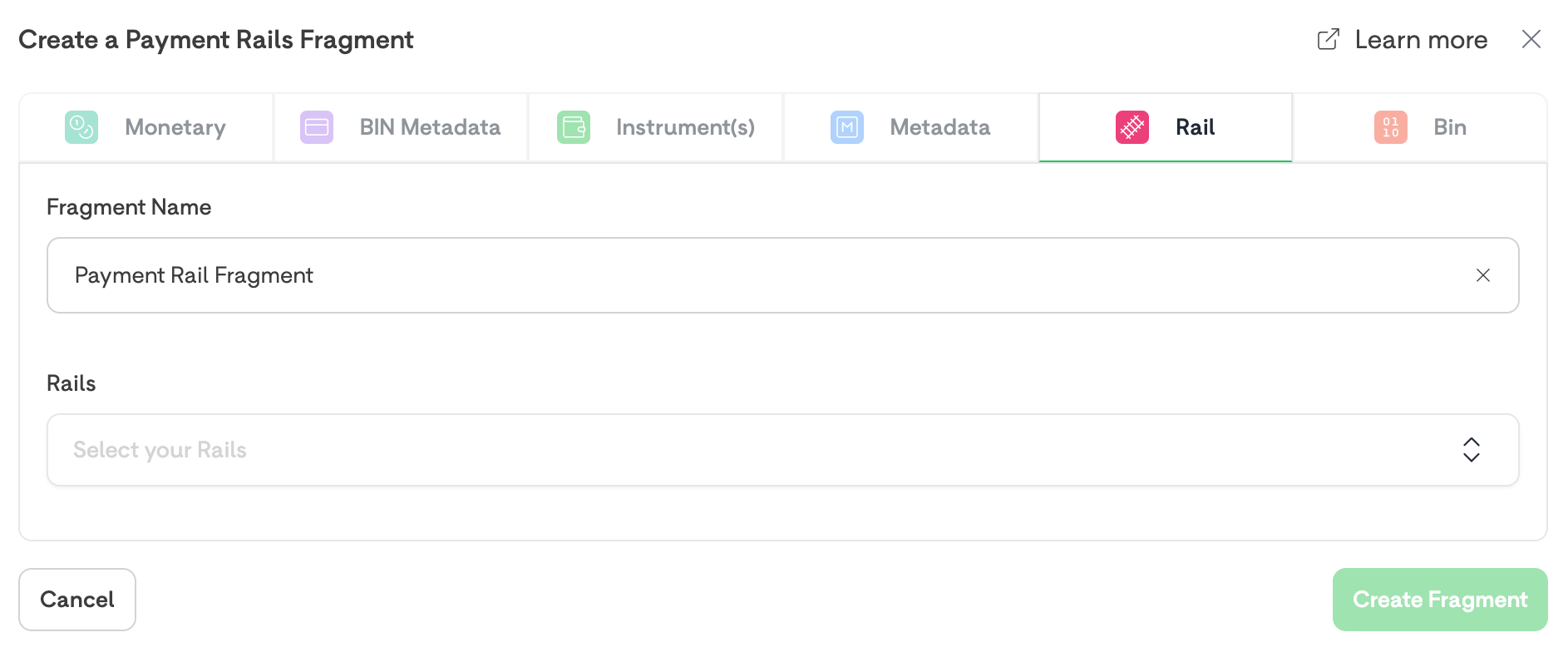
A Blank Payment Rail Input Fragment
Bin fragments
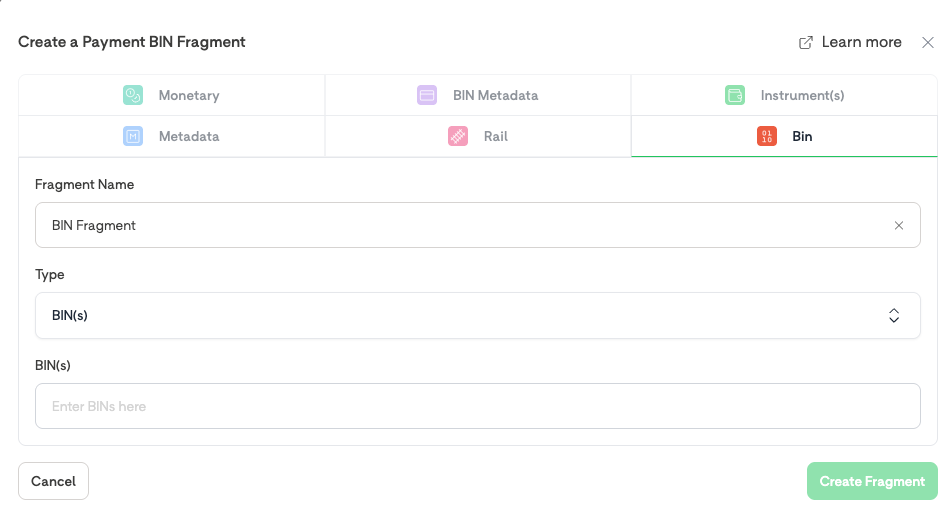
The BIN fragment is designed to match transactions based on specific Bank Identification Numbers (BINs). It works by either matching an exact 4 to 8-digit BIN, or by matching transactions that fall within a specified 4 to 8-digit BIN range.
The BIN input fragment currently supports the following matching types:
| Matching Type | Description |
|---|---|
| Exact Match | Matches the BIN used in the transaction exactly to the BIN used in the Input Fragment |
| Range Match | Matches any BINs that fall within the range specified in the Input Fragment |
Output fragments (The "Then")
Output fragments dictate the action taken once all input conditions are met. Outputs are split
into two categories: Routing and Blocking.
| Fragment type | Category | Description |
|---|---|---|
| Volume Split Routing | Routing | Distribute matched transactions across processors by percentage. |
| Processor Priority List | Routing | Define fall back processors in order of preference. |
| Block | Blocking | Stop the transaction entirely and stop it reaching any PSP. |
Volume Split Routing fragments
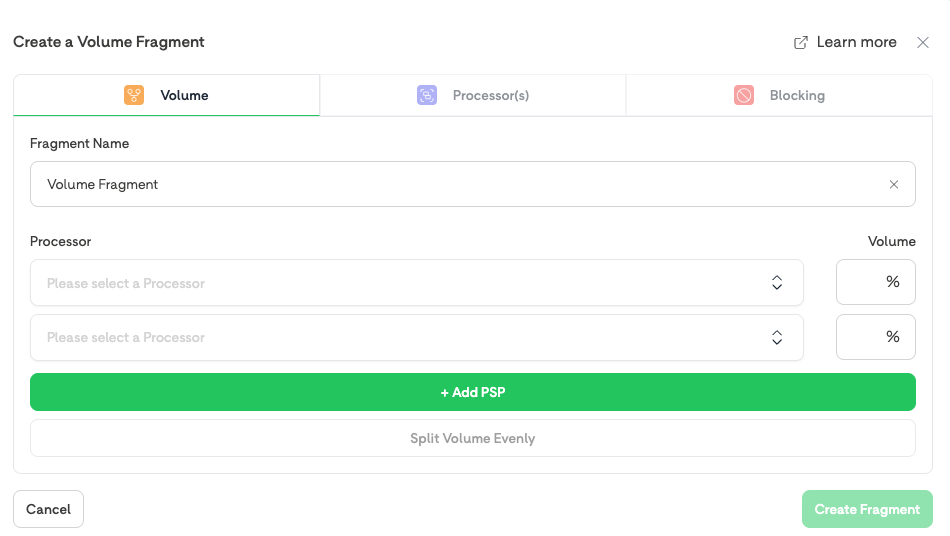
Volume fragments allow you load balance your payment routing between multiple providers. When a Volume fragment is selected, BR-DGE routes your transaction to one of the Payment Providers based on your specified Volume fragment.
You can input percentages per Payment Processor to divide up the flow of your transactions. The input percentages across your processors must add up to 100%.
The fragment allows you to select two or more processors to split by percentage.
You can select Split Volume Evenly to quickly split the volume between all selected processors.
Processor Priority List fragments
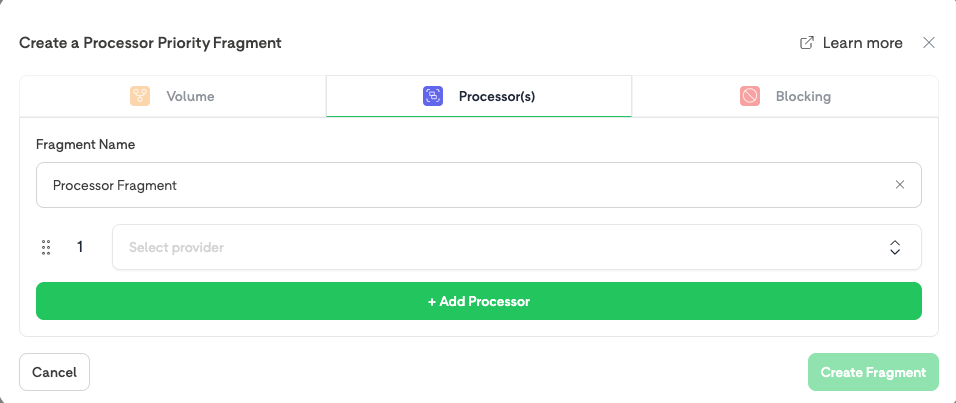
Processor Priority fragments allow you to route to a single Payment Provider, or have an ordered list of the providers you want a transaction to attempt, if it results in a failover to a secondary provider.
BR-DGE highly recommend you add a Processor Priority fragment at the end of your Rule Set with no Input fragments specified. This can function as a catch-all for your payments that have failed to match on any other rules, allowing you to be confident that all your payments can be routed.
Blocking fragments
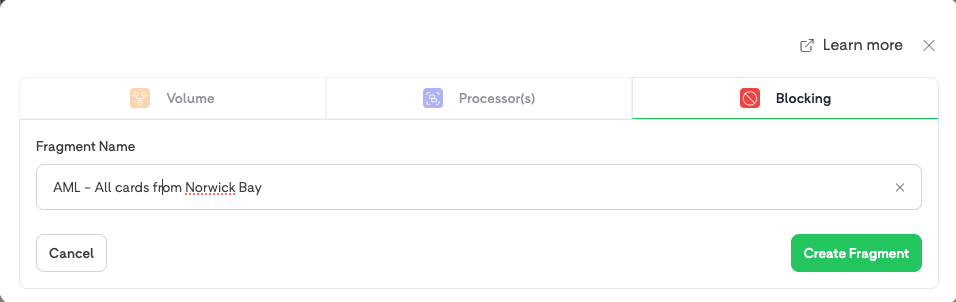
Blocking fragments enable you to block both incoming and outgoing payments before they reach the PSP, depending on what information is provided in the payment/payout request.
Blocking fragments work with any input fragment, and transactions are blocked regardless of how they are initiated; whether by API, HPP, WebSDK, or cashier.
When evaluating a rule set, if all of a rule’s input conditions are met and the output fragment is a Blocking fragment:
- Processing Stops: Transaction processing is immediately halted. No further requests will be made to any Payment Service Providers (PSPs)
- Response Code: BR-DGE returns a response code of 4805 and the name of the rule that
caused the block. - Status Logged: A transaction record is created in the portal with its status explicitly set to BLOCKED.
Updated 4 months ago